 MacBridge
Turn Your iPad into a True MacBook. Live macOS. Zero Cloud. Zero Latency.
Stream your Mac's full display to iPad at 60 FPS hardware H.264. Control it with your Magic Keyboard, fluid trackpad gestures, and a dedicated Lock Mode that traps ⌘Space and ⌘Tab instead of iPadOS.
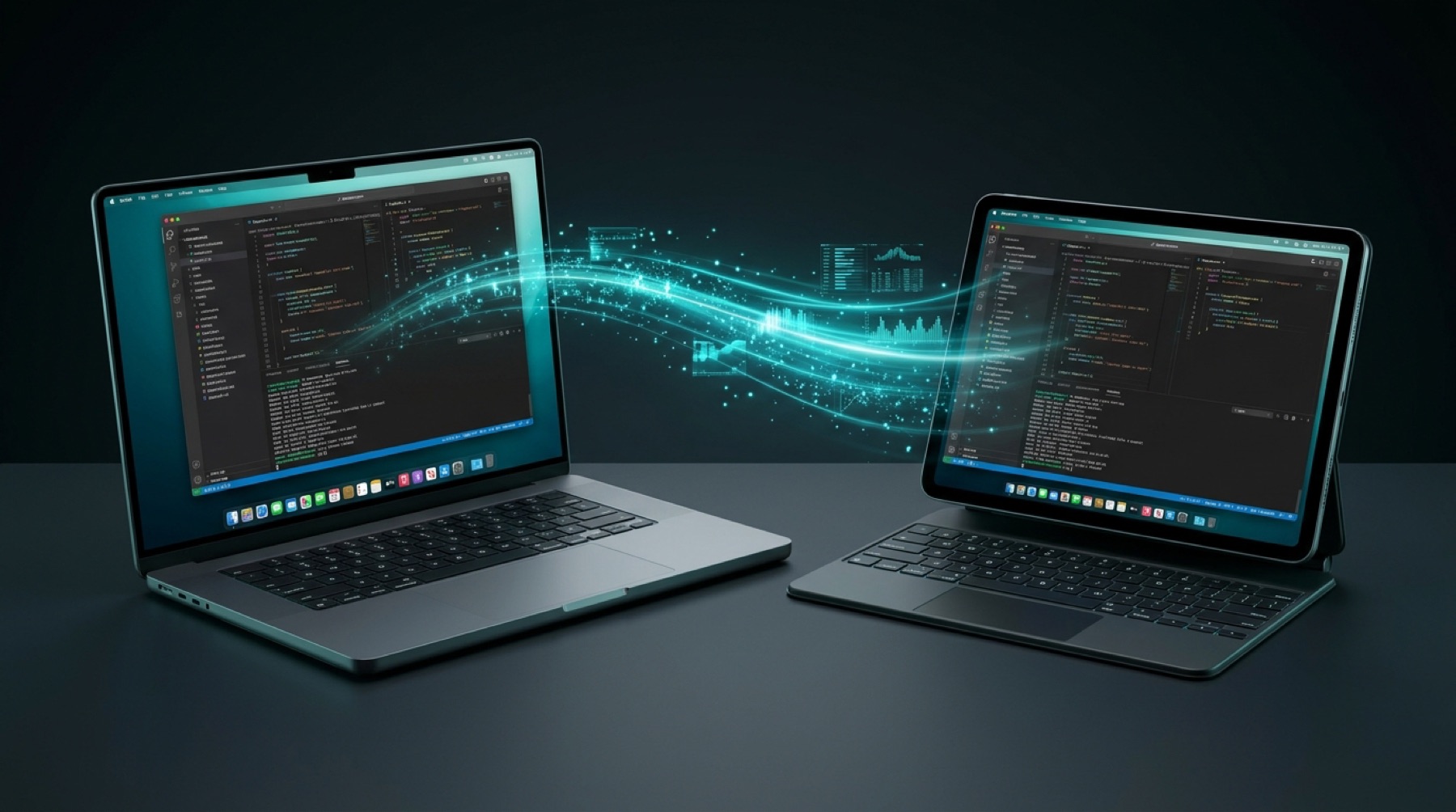
Three Reasons Why Typical Remote Desktops Fail — And How MacBridge Fixes Them.
Legacy VNC and cloud remote desktop software were never built for iPadOS hardware integration. MacBridge was built from scratch to feel like native Apple silicon hardware.
Hardware H.264 Video Pipeline. Sub-15ms Latency.
Instead of sending uncompressed, sluggish bitmaps over CPU, MacBridge uses Apple's native ScreenCaptureKit and hardware VideoToolbox encoder. Frames stream directly peer-to-peer at your iPad's exact native resolution with pristine clarity and fluid 60 frames per second.
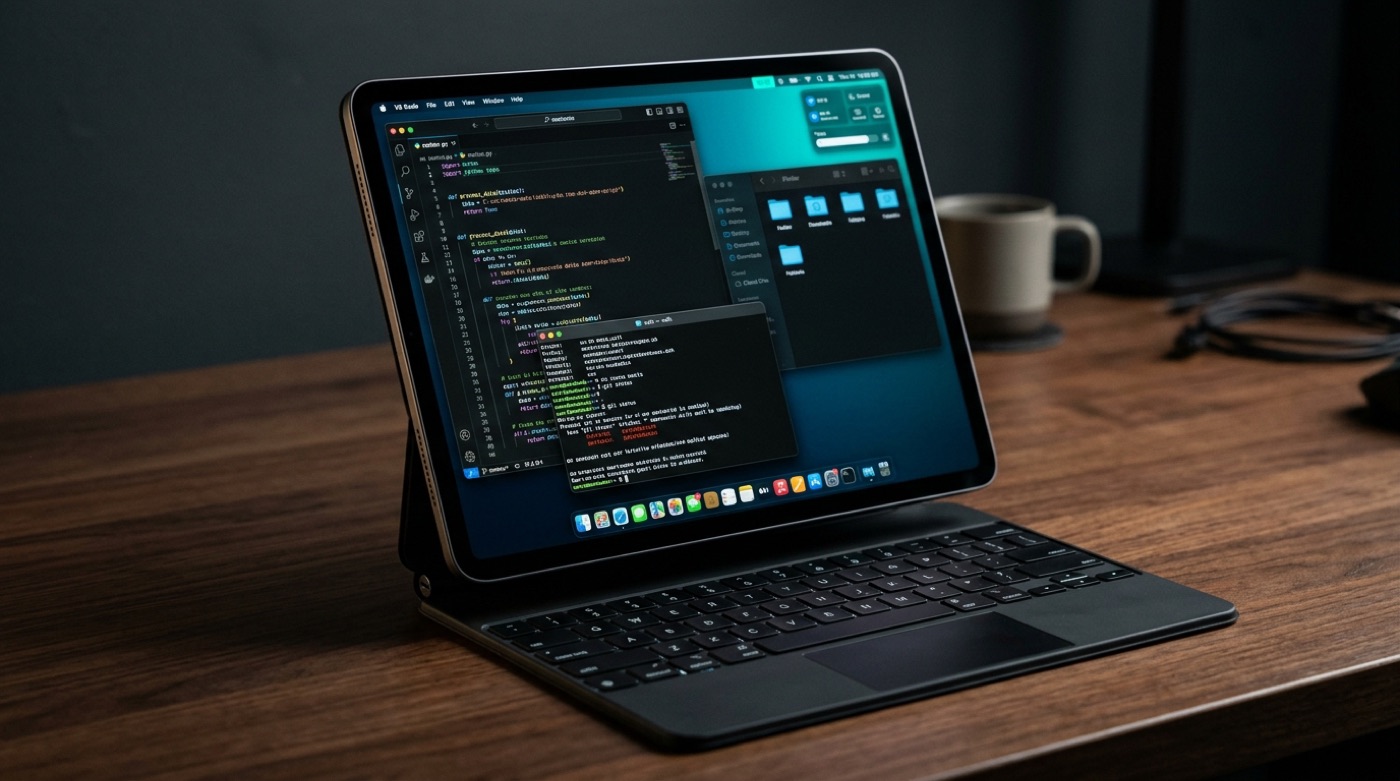
Dedicated Lock Mode. Mac Shortcuts Stay on Mac.
Tired of pressing ⌘Space or ⌘Tab on your Magic Keyboard only to have iPadOS steal focus? MacBridge features Lock Mode with high-priority system shortcut capture. Press ⌘Space to trigger Mac Spotlight, ⌘Tab for Mac App Switcher, and ⌘H to hide Mac apps — plus 3-finger touchscreen swipes for Spaces and Mission Control.
100% Peer-to-Peer. No Cloud Servers. Ever.
Services like TeamViewer or AnyDesk route your screen through proprietary cloud relays and demand subscriptions. MacBridge has zero cloud servers, zero analytics SDKs, and zero accounts. Every byte of screen video and keystrokes travels directly between your devices over an encrypted Mutual TLS 1.3 tunnel.
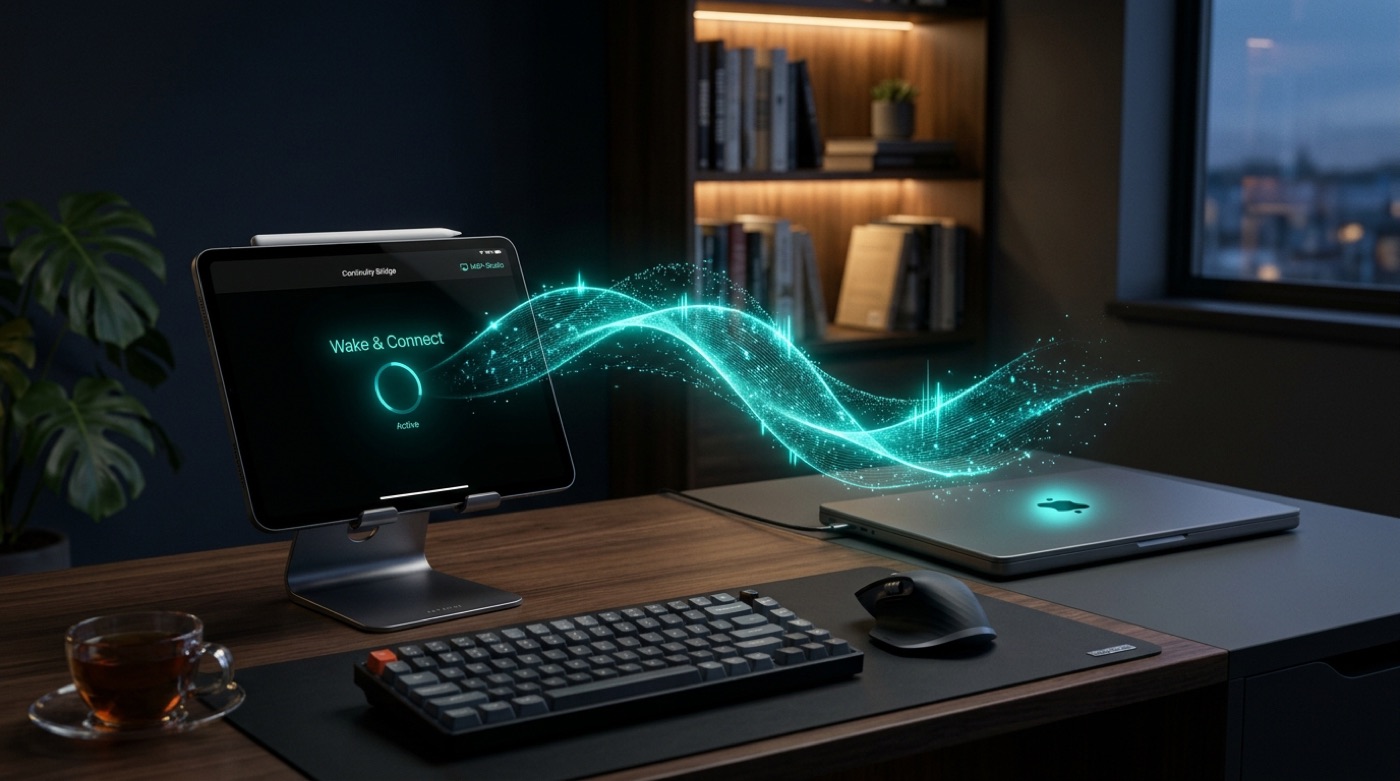
Three Steps. One Tap Every Time After.
Install MacBridge Host on Mac
Download the lightweight .dmg, drag it to Applications, and grant Screen Recording and Accessibility in macOS System Settings.
Pair Once Cryptographically
Open MacBridge on iPad. Nearby Macs appear automatically via Bluetooth proximity. Tap your Mac and confirm the on-screen pairing on your Mac.
One-Tap Smart Wake & Connect
Next time, tap your Mac from iPad. MacBridge checks power state, sends a local Wake-on-LAN magic packet if asleep, and connects automatically.
How MacBridge Compares
| Feature / Capability | MacBridge | Legacy VNC | TeamViewer / Cloud | Apple Sidecar |
|---|---|---|---|---|
| Architecture | ✓ Peer-to-Peer mTLS 1.3 | ✕ VNC / RFB protocol | ✕ Cloud relay server | Apple AWDL direct |
| Video Performance | ✓ 60 FPS VideoToolbox H.264 | ✕ 15-30 FPS CPU bitmaps | ✕ Compressed cloud stream | 60 FPS proprietary |
| Keyboard Lock Mode | ✓ Traps ⌘Tab, ⌘Space, ⌘H | ✕ iPadOS intercepts keys | ✕ Limited shortcut capture | Native macOS control |
| Trackpad / Mouse | ✓ Full 2-finger scroll & 3-finger swipe | ✕ Basic pointer click | ✕ Delayed pointer movement | Native precision |
| Discovery Mode | ✓ Bluetooth LE + Hotspot Auto | ✕ Manual IP entry required | ✕ Cloud account sign-in | Requires same Apple ID |
| Data Privacy | ✓ 100% Zero-Cloud / No Account | ✕ Local but unencrypted VNC | ✕ Routed through company servers | Apple ecosystem only |
| Pricing | ✓ Free Host + One-time unlock | ✕ Varies | ✕ Expensive monthly subscription | Free (bundled with Mac) |
Frequently Asked Questions
Why does connecting time out on hotel or guest Wi-Fi?
How does Lock Mode work with Magic Keyboard?
Does MacBridge work over cellular or outside the home?
How does Smart Wake work if my MacBook lid is closed?
What data does MacBridge collect or send to third parties?
Ready to Experience Your Mac on iPad?
Download the free Mac companion app now and connect your iPad with zero friction.